1. Write the decision and the facts
A useful brief says who will read the deck, what decision they need to make and which facts the slides may use. Here, a small team is deciding whether to run twelve customer interviews over four weeks. The deck must explain the plan without claiming that any interviews have happened.
Include the desired slide count, an outline and visual preferences. Replace the fictional details below with your own verified material.
2. Generate a first draft
Open Tertin and sign in with Google. Start a presentation and enter your brief in the chat. Answer any follow-up questions, then ask for the deck to be generated. This is the exact prompt used for the example:
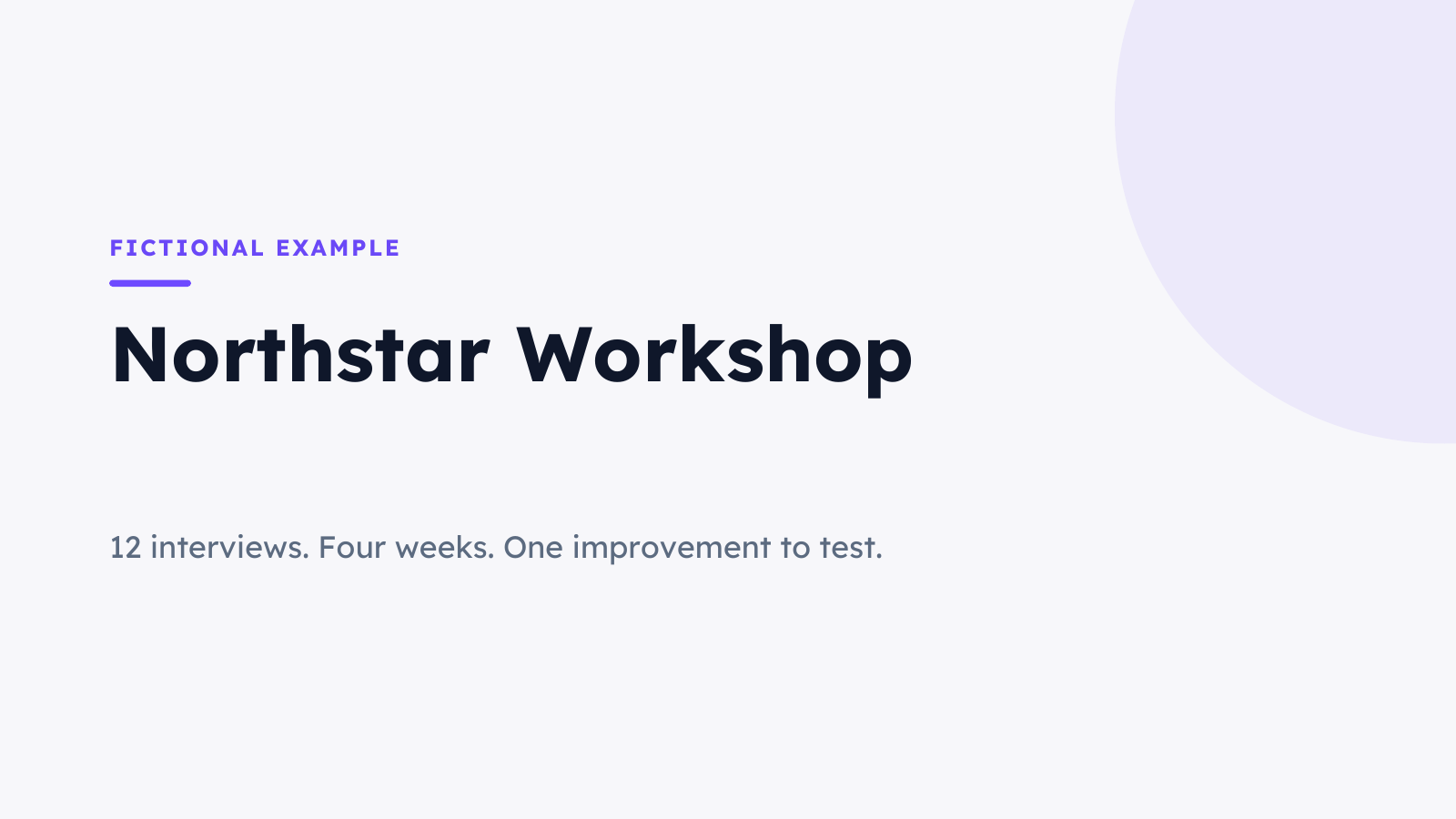
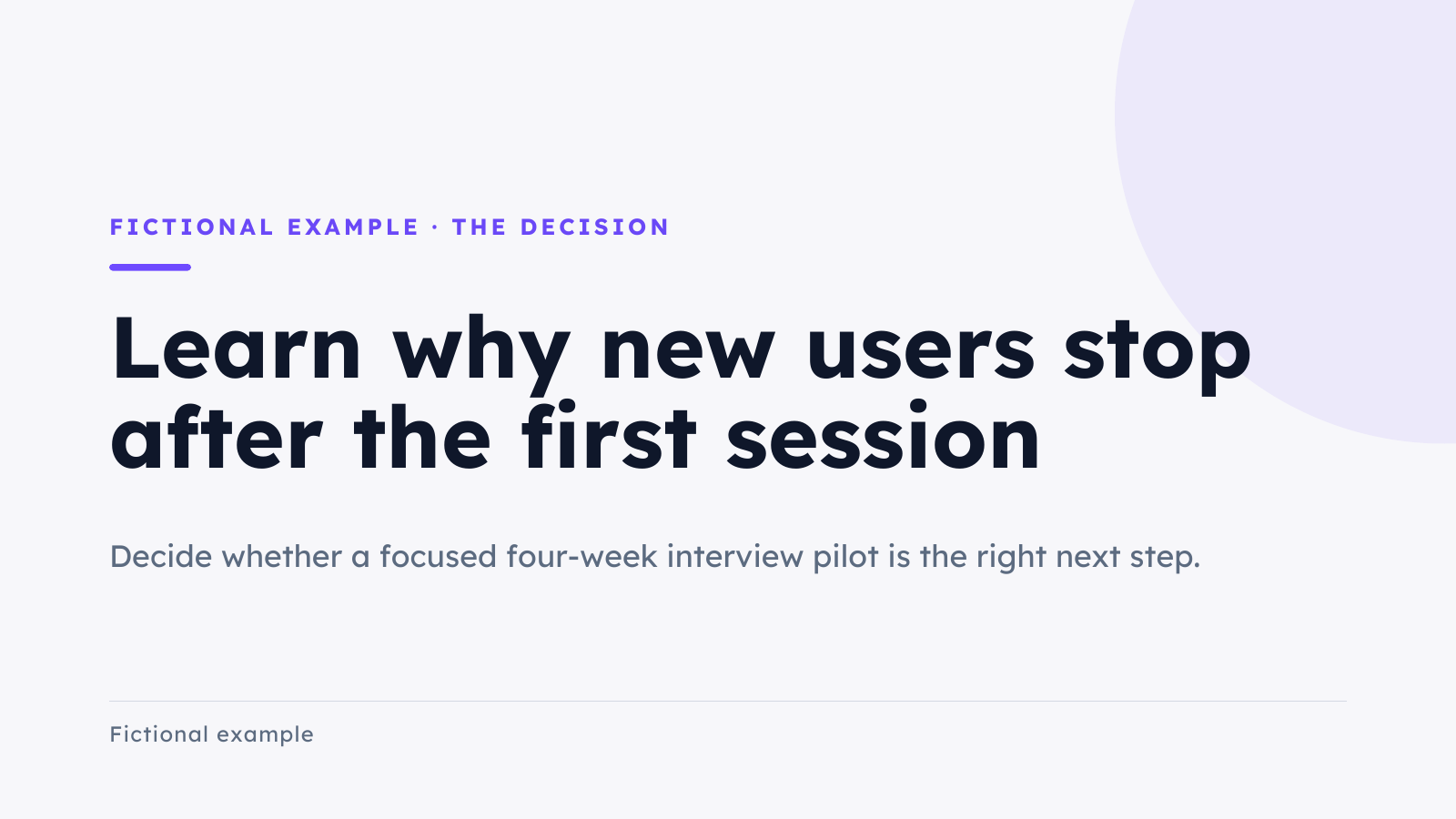
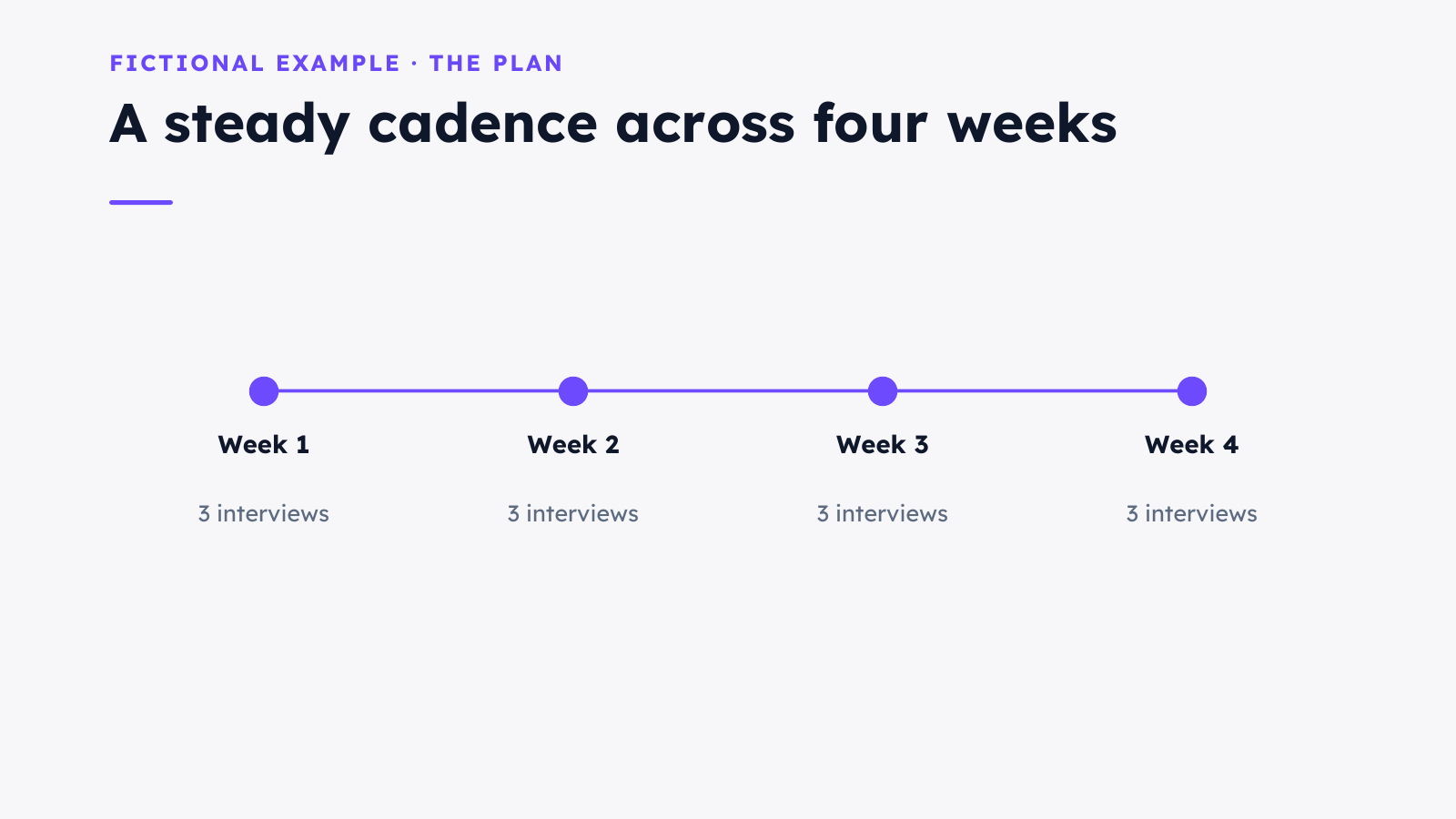
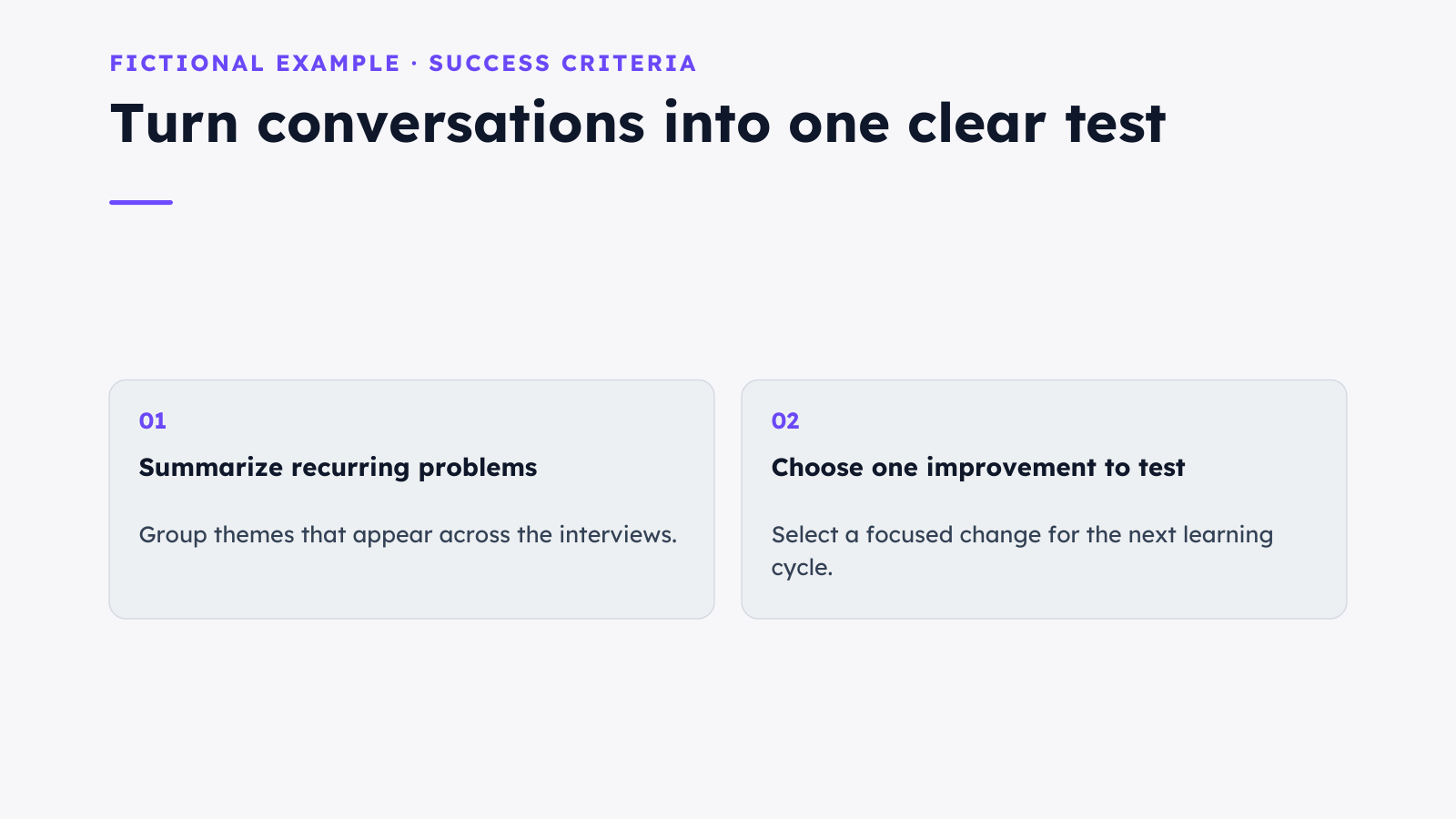
Create a 4-slide PowerPoint presentation for a fictional project called Northstar Workshop. Audience: a small team deciding whether to run a four-week customer interview pilot. Use only these illustrative facts: 12 interviews planned, 3 interviews per week, 4 weeks, no claimed results yet. Slides: 1. Northstar Workshop with subtitle A four-week customer interview pilot; 2. The decision: learn why new users stop after the first session; 3. The plan: weeks 1 to 4 with 3 interviews each week; 4. Success criteria: summarize recurring problems and choose one improvement to test. Use clean white backgrounds, dark navy text and violet accents, with editable text and shapes, no stock photographs. Label it Fictional example. Do not use em dashes. Generate it now.
3. Review every slide
Read the draft as your audience would. Check that the four slides explain the project, the question, the schedule and the success criteria. Confirm that three interviews a week for four weeks totals twelve, and remove any unsupported findings or promises.
Check the design too: readable type, consistent spacing and enough contrast. AI can make mistakes. A polished layout does not make an unsupported statement true.
4. Make a specific edit
Switch to Manual mode to adjust text on the canvas. In this example, we changed the opening subtitle from A four-week customer interview pilot
to 12 interviews. Four weeks. One improvement to test.
We reopened the presentation to confirm the change had saved.
The first attempt showed a save-conflict notice. If this happens, let the latest version load, reapply the edit and check again before exporting. The second attempt saved successfully.
We then asked in chat: On slide 2, add a small footer saying Fictional example. Keep all four slides and preserve the current first-slide subtitle exactly. Do not use em dashes.
The revised deck retained all four slides and the edited subtitle.
5. Export and check the file
Open Share and choose PowerPoint or PDF. Use PowerPoint when you want a presentation file to work with, or PDF for a document to read and share. Open the download in the app you plan to use and check all four slides for missing content, clipping and font changes.
This example uses Lexend. Install that font on the computer opening the PowerPoint file for an accurate appearance. The PDF includes the font. The PowerPoint download contains editable text and shapes.
The files below let you inspect this example yourself. Your own generation may look different, even when you use the same prompt.